Retail and omni-channel forecasting
Forecast what you will sell. Plan what you will buy.
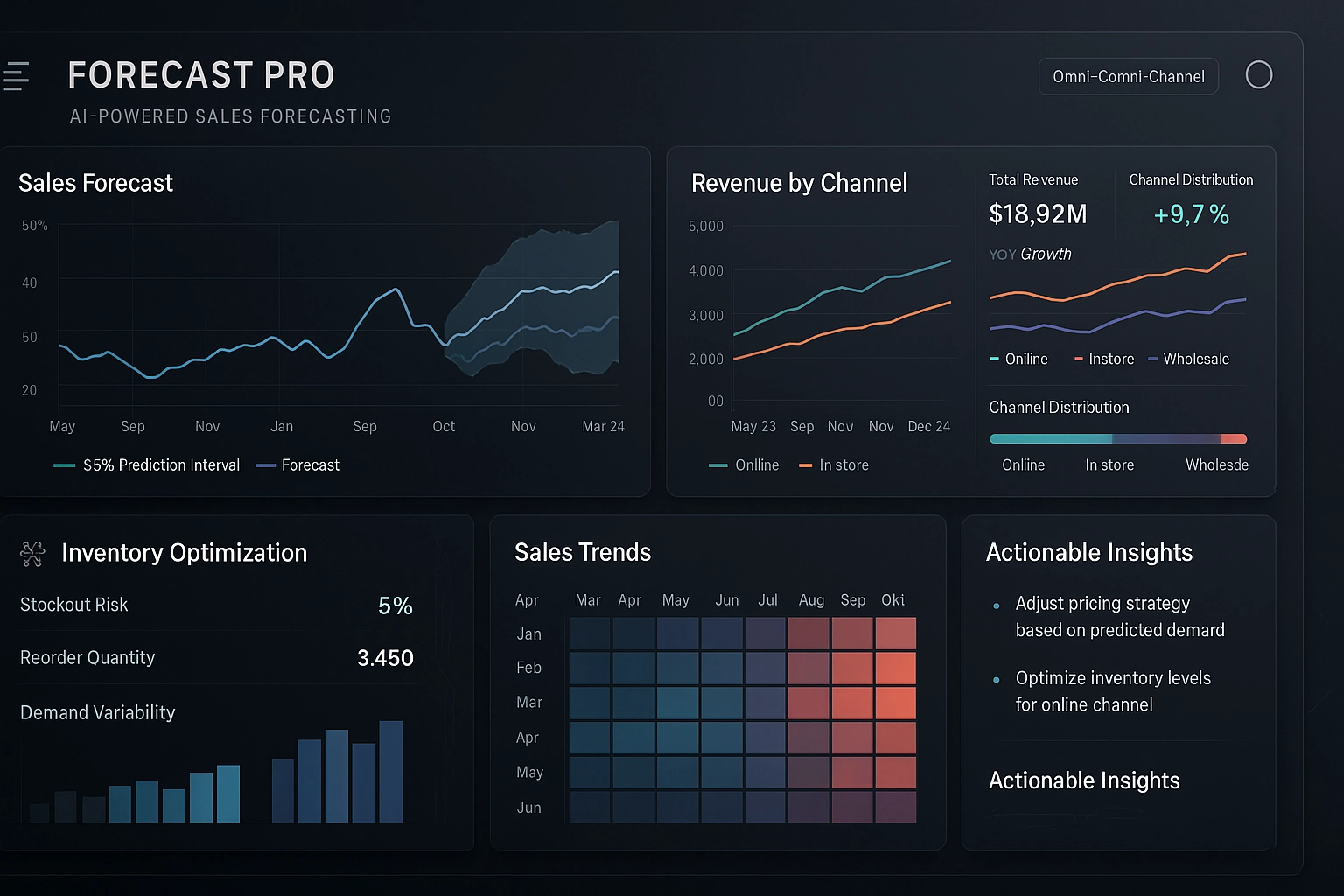
xCaria Forecast reads your sales history and returns demand forecasts your planners can work from, with the dashboards and reports to act on them.
- Runs on your own sales history
- Dashboards and exportable reports
- Cloud or on-premises
What you get
Forecasting a planner can work from
One product, aimed at the decision retail keeps having to make: how much to buy, and when.
Demand forecasts
Sales forecasts built from your own history, at the level your team plans at.
Inventory you can size
See where you are heading for a stockout, and where cash is sitting in stock you do not need.
Dashboards, not a data project
Upload your sales data and the dashboards come with it. Nothing to migrate first.
Reports you can hand over
Set what a report shows, then take it into the buy meeting.
Deployed where your data is
Cloud or on-premises, whichever your infrastructure and compliance teams need.
How it works
From your sales history to a number you can defend
Four steps, and the first one is uploading a file.
- 01
Upload your sales history
Your own transaction data, at whatever grain you keep it. There is no warehouse migration in front of this.
- 02
xCaria Forecast learns the pattern
Machine learning over your history rather than a category benchmark, so seasonality and your own trends are what it fits to.
- 03
Read the forecast
Dashboards arrive built. Look at where demand is heading and where stock will not cover it.
- 04
Take it to the buy meeting
Set what the report shows, export it, and put a number on the table people can question.
Deployment is yours to choose. xCaria Forecast runs in the cloud or on your own infrastructure, so the answer to where the data sits is whatever your compliance team needs it to be.
Get started
Put it against your own sales history.
Tell us what you are forecasting and we will show you xCaria Forecast on data that looks like your business.